Steam Deck Thumb Grips: Textured + Height-Boost 4-Pack
4-Pack Textured Height-Boost Thumb Grips for Steam Deck
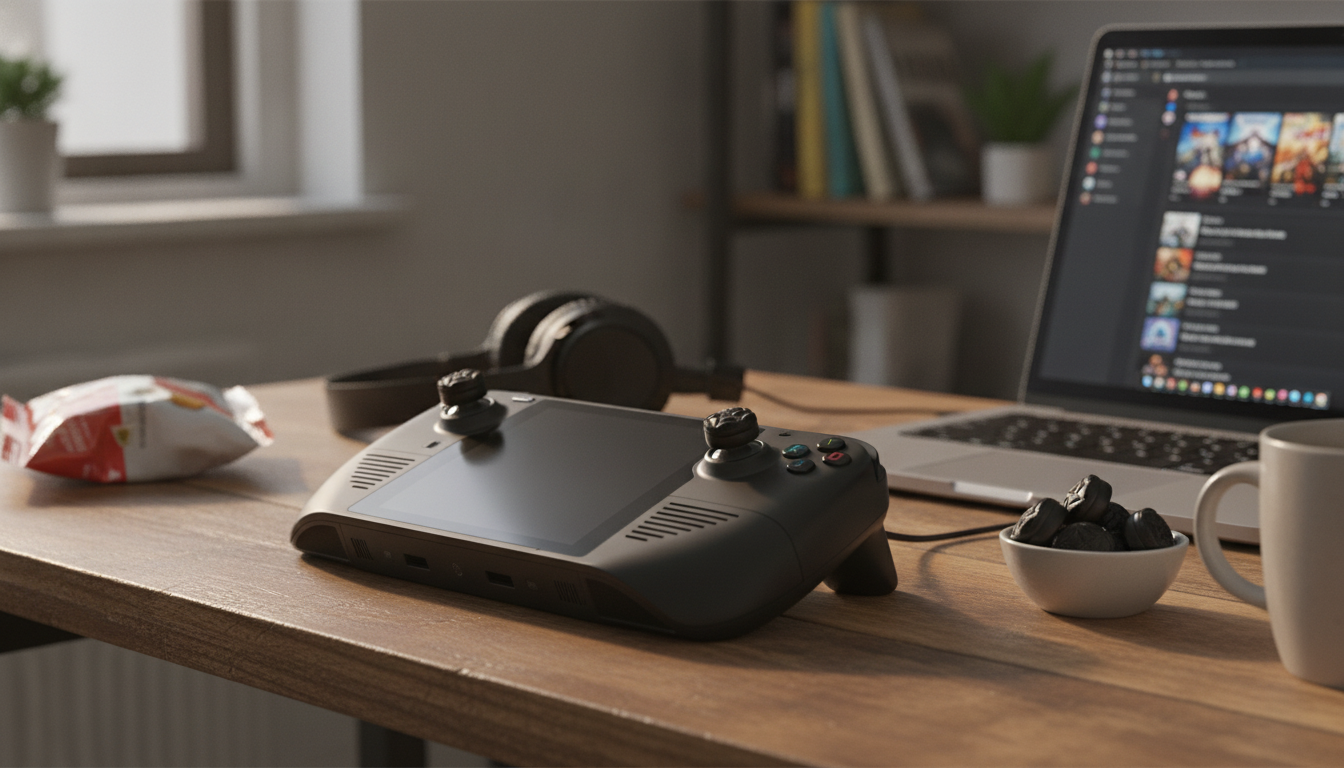
Thumb grips are a small upgrade that can noticeably change how the Steam Deck feels during long sessions—especially for aiming, camera control, and comfort. This 4-pack adds a textured surface and a slight height boost to help improve traction, reduce thumb fatigue, and fine-tune stick control without modifying the device. For more guidance, see PlayVital Thumb Grip Caps For Steam Deck LCD & OLED – Follifoot.
What these thumb grips change during play
Steam Deck’s stock stick tops work well, but the surface and height can feel a bit slick or low once hands warm up. A textured, slightly taller cap changes the contact point your thumb relies on—often making inputs feel steadier and more repeatable. For further reading, see Thumbstick Grip Caps For ROG Ally & Steam Deck – 3 Pairs, Soft ….
- Adds a textured top surface to help prevent slipping when hands get warm or sweaty.
- Slight height increase can make micro-adjustments feel smoother, especially in shooters and games with precise camera control.
- Acts as a protective layer for the analog stick tops, helping reduce wear and shine over time.
- 4-pack provides spares or allows mixing/replacing when a pair wears out.
At-a-glance benefits
| Use case | What tends to improve | Why the height boost matters |
|---|---|---|
| FPS and aim-heavy games | Finer aim control, reduced over-correction | Longer lever length can slightly increase precision |
| Action-adventure camera control | Smoother panning and tracking | Easier to maintain a consistent input arc |
| Long handheld sessions | Comfort and reduced thumb fatigue | Less pressure needed to keep contact |
Texture and height: how it affects control
Two small changes—friction and stick height—combine into a noticeable difference in how the stick “reads” under your thumb. Texture helps the thumb stay planted, while extra height can make movements feel less cramped when you’re riding the edge for faster turns and coming back to center for tiny corrections.
- Texture increases friction so the thumb stays planted during quick flicks and slow tracking.
- A small height boost can help players who feel the default stick tops are too low or too flat for extended precision work.
- The change is most noticeable when using the outer edge of the stick for larger turns and the center zone for tiny aim corrections.
- Players who prefer very fast, low-throw inputs may need a short adjustment period to recalibrate sensitivity and dead zones.
Quick comparison: grip options
| Option | Grip feel | Typical outcome |
|---|---|---|
| Height-boost textured grips | High traction, slightly taller | More controlled aim and steadier camera movement |
| Thin/smooth caps | Lower traction, near-stock height | Minimal change, mainly cosmetic/protection |
| No grips | Stock surface | Original feel, more direct contact, more wear over time |
Fit and compatibility checks
Good fit is what makes a thumb cap feel “invisible” once you start playing. Before settling in for a longer session, confirm the grip seats evenly and doesn’t interfere with the shell at full deflection.
- Designed for Steam Deck analog sticks; confirm the cap seats fully so it doesn’t rub the shell at full deflection.
- For best results, the grip should sit centered and flush with the stick top—no rocking or loose edges.
- If a case or stick ring accessory is installed, verify clearance by rotating the stick in a full circle at maximum tilt.
- If using different control layouts or custom stick settings, plan to play a few minutes to re-adjust muscle memory.
Quick pre-install checklist
| Check | What to look for | Why it matters |
|---|---|---|
| Clearance | No scraping at full tilt | Prevents uneven wear and input drag |
| Seating | Even edge contact all around | Reduces slipping during play |
| Centering | Cap aligns to stick top | Keeps response consistent |
Installation steps (takes a minute)
Installing stick caps is simple, but taking a few extra seconds to center and seat them evenly helps avoid rubbing, uneven feel between sticks, or a cap that loosens over time.
Common install issues and fixes
| Issue | Likely cause | Fix |
|---|---|---|
| Grip feels loose | Not fully seated or surface oily | Remove, clean/dry, re-seat evenly |
| Rubbing at edge | Grip off-center or too tall for clearance | Re-center; verify no case interference |
| Uneven feel between sticks | One grip stretched more | Swap grips or re-install with equal tension |
Comfort and durability expectations
Care tips
| Task | How often | Best practice |
|---|---|---|
| Wipe down | Weekly or as needed | Microfiber cloth; ensure dry before play |
| Deep clean | Monthly | Lightly damp cloth, then dry thoroughly |
| Replace | When traction drops | Swap with a spare to keep input consistent |
Who benefits most from height-boost grips
Shop in-stock picks
- 4-Pack Textured Height-Boost Thumb Grips for Steam Deck
- Calvin Klein Women’s White Leather Sneakers
- Cozy Velvet Winter Pajama Set for Boys
Helpful references
For Steam Deck hardware context and official details, see Valve’s Steam Deck hardware page. For maintenance and the broader parts ecosystem, iFixit’s Steam Deck device hub is a solid starting point.
FAQ
Do height-boost thumb grips affect aiming sensitivity on Steam Deck?
They can change the feel of input because your thumb sits slightly higher and gets more traction. The in-game sensitivity doesn’t automatically change, but a short adjustment period (or small sensitivity/dead-zone tweaks) can help it feel natural.
Will these grips damage the Steam Deck analog sticks?
When installed correctly and kept clean, they typically act as protection rather than causing damage. Make sure each grip is centered and doesn’t rub the shell at full stick deflection.
How do the grips stay on during long sessions?
They rely on a snug, rolled-on fit around the stick top. Cleaning skin oils off the stick surface and pressing the rim fully into place helps them stay secure.














Leave a comment